Disclaimer: The reviews and comparisons on this page reflect our independent professional opinions and are provided for informational purposes only. We have aimed to remain objective and unbiased. Nothing here is intended to disparage or defame any company or product. Readers should conduct their own due diligence and verify details via official sources.
Quillbot

SMART WRITING TOOLKIT

QuillBot review (2026): Fast rewriting for everyday writing workflows?

I tested QuillBot the same way I test any writing tool: run one rough draft through the Paraphraser, clean it with the Grammar Checker, then tighten it with the Summarizer.

The outputs were fast and easy to tweak, but the real value is the “compare modes” workflow: Standard for clarity, Fluency for polish, and Creative when you need options.

In this QuillBot review, the free plan is fine for quick rewrites, but Premium adds more modes, higher limits, and the Plagiarism Checker, worth it if you publish often.

Best for: rewriting, summaries, and grammar fixes in one place.
Transparency: tested on my own draft + one landing page paragraph.
Last updated: tested on February 26, 2026. Recheck QuillBot pricing and free vs premium features before you subscribe.

Who QuillBot is for? (And what you’ll actually use first?)

Rewrite faster in one pass

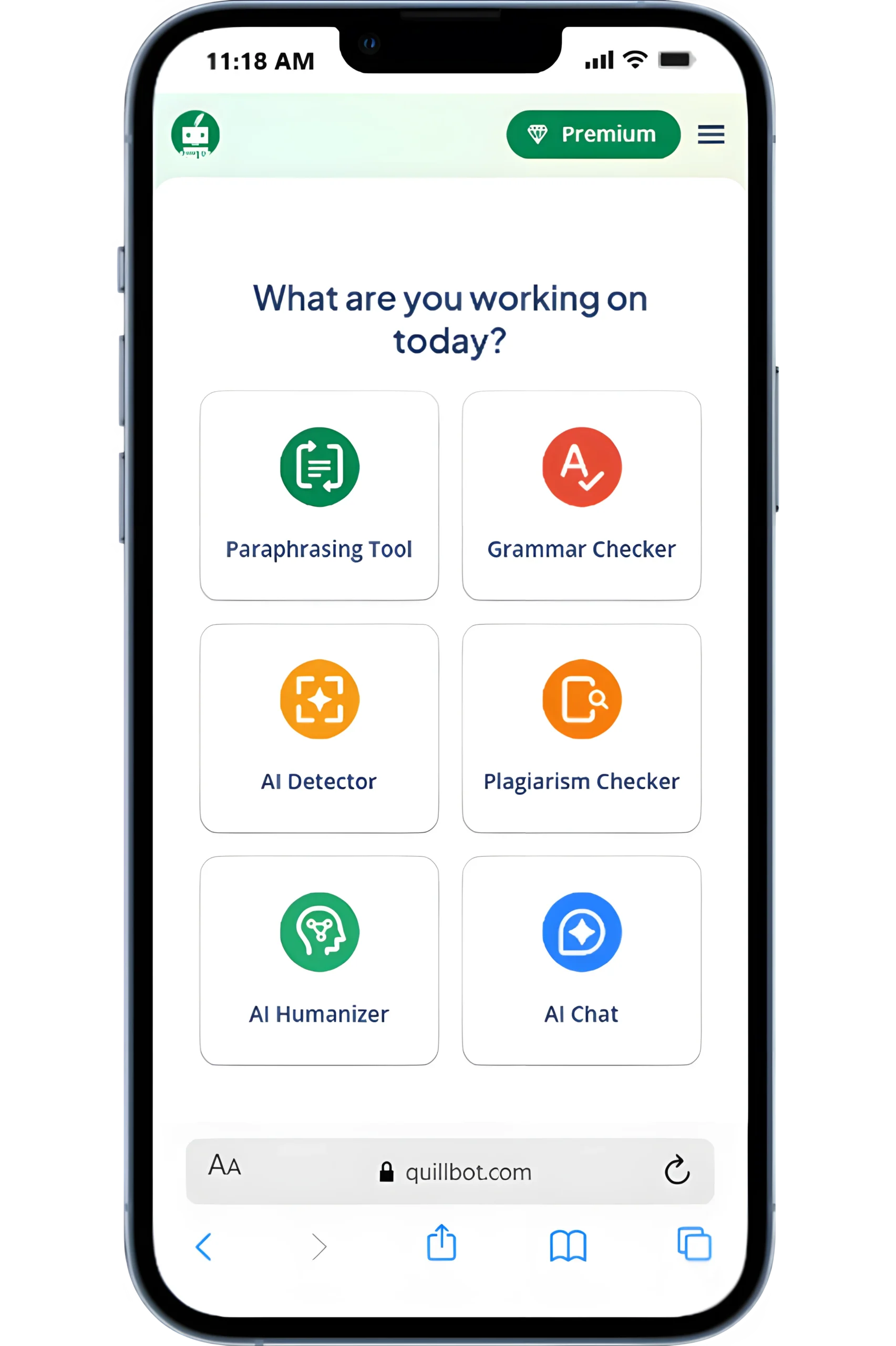
I started this QuillBot review with the paraphrasing tool: pasted a rough intro, toggled Standard vs Fluency, and kept meaning while tightening sentences. Then I ran the grammar checker to catch clunky phrasing before publishing.

Who it fits best?

It’s best for writers, students, and marketers who rewrite a lot and want fast cleanup more than “big SEO” workflows. If you only need occasional edits, QuillBot free vs premium features may decide it, free is fine for light use.

What you’ll notice?

Cleaner drafts, fewer repeats, and faster iteration. The biggest win is speed: rewrite → check → ship.

Quillbot Stats

How did we actually use QuillBot?
(3 Real Use Cases)

If you’re comparing QuillBot reviews, these are the workflows we actually tested on real content, simple, repeatable, and beginner-friendly.

Rewrite faster in one pass

I ran a blog draft through the Paraphraser (Standard → Fluency), then picked the best sentences and kept my voice. QuillBot’s paraphrasing tool features shine when you treat it like an editor, not a rewrite button.

Summarize long sources quickly

For research notes, I used the QuillBot Summarizer to cut sections into a clean brief, then added back any must-keep terms. This is the fastest “from messy to usable” step in my QuillBot review.

Polish before publish

I finished with the QuillBot Grammar Checker for grammar + clarity fixes and a final read-through. The free plan works for light edits; QuillBot Premium is worth it if you do this daily.

QuillBot pricing: plans, monthly cost, and the one I’d start with

If you’re evaluating WooRank, start with its audits and reports first, then map what you actually gain when you move up.

QuillBot Monthly Pricing

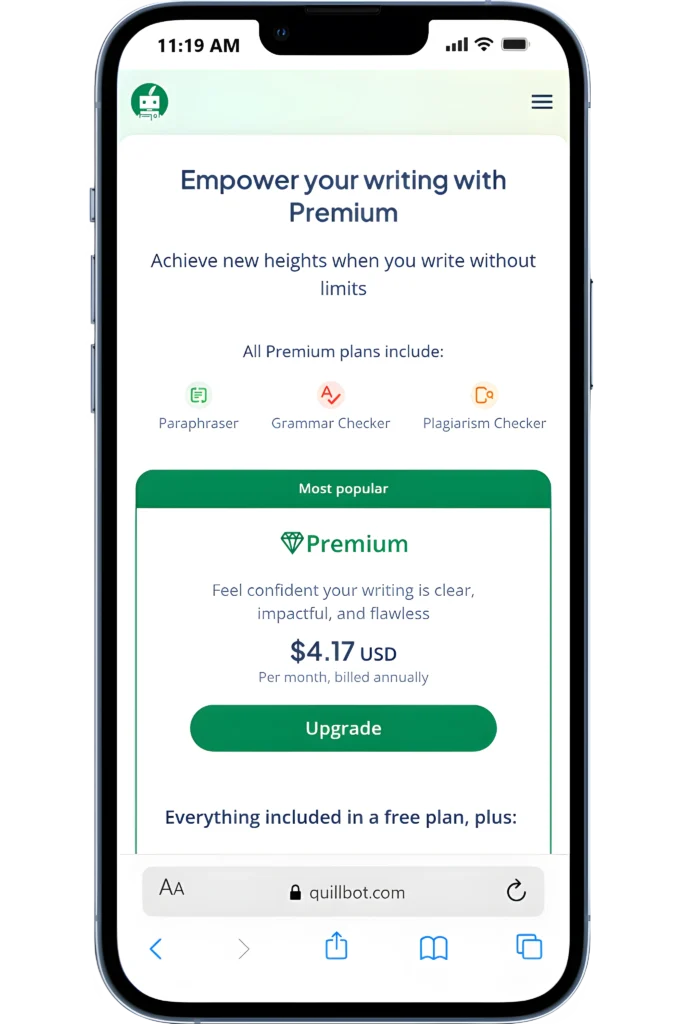
In my quillbot premium review, the simplest choice is Annual if you’ll use the paraphrasing tool weekly. The annual plan is $99.95/year (about $8.33/mo), while monthly is $19.95.

QuillBot Plan Limits

The free plan works for quick edits. Premium turns QuillBot into a real workflow tool with faster rewrites, better control, and fewer interruptions when polishing drafts.

QuillBot Isn’t for Heavy Writing

QuillBot is worth it if you rewrite or polish text often. If you only need occasional edits or full content creation, a lighter or all-in-one writing tool may be a better fit.

“Worth it” Test

If QuillBot saves me 10–15 minutes per draft (rewrite + cleanup), I keep it. If it’s just “nice wording,” I don’t.

QuillBot Premium (Recommended Start)

Best starting point if you’re paraphrasing + editing weekly (students, writers, marketers).

$19.95/month

Higher limits for paraphrasing + summarizing
Full QuillBot grammar checker features (stronger suggestions)
Plagiarism Checker available (plan/add-on) (QuillBot plagiarism checker features)
Browser/Doc workflow support (extensions/integrations)
More rewrite modes + tone control (QuillBot paraphrasing tool features)
Built-in Summarizer (QuillBot summarizer features)
AI Detector available (plan/add-on) (QuillBot AI detector features)
Use Monthly ($19.95) only for a short project or trial run.

Important: Start on the free tier first. Upgrade only if you hit limits or need the full set of QuillBot features and pricing value.

QuillBot pros and cons (hands-on fit check)

If you’re asking whether QuillBot is worth using, here are the pros and cons of QuillBot we observed while testing it on real writing workflows.

Pros

In this QuillBot review, the pros and cons of QuillBot were obvious fast: it cleans up rough drafts when you’re editing weekly, not once.

Paraphraser helped me tighten intros without losing meaning (useful when you need a clean second version fast).
QuillBot grammar checker caught the easy misses (repeats, awkward phrasing) before I exported anything.
QuillBot summarizer review: it trimmed long sources into skimmable notes I could reuse in outlines.
The plagiarism checker was a solid final pass when I was stitching quotes + paraphrases together.
Exporting/copying the revised text was frictionless, so review → publish stayed fast.List item

Cons

Biggest con: it’s easy to over-edit. If you keep rewriting for “perfect,” you can flatten your voice.

Outputs can sound generic if you lean too hard on the paraphrasing tool—human judgment still matters.
The AI detector results felt inconsistent across samples (I wouldn’t treat it as a strict gate).
Feature limits push you toward QuillBot premium; the free plan is best for light fixes, not full workflows.
If you only need one feature, QuillBot pricing can feel high vs simpler QuillBot competitors.

Quick summary: QuillBot’s key features shine for fast edits and summaries. I’d use the free trial, then upgrade only if you’ll use the paraphraser + grammar checker every week.

Fit check: integrations, reporting, team access, and support

If you’re paying for QuillBot, these are the “make-or-break” checks to run before committing.

NEXT STEP (HOW We TESTED IT)

Try QuillBot on your own writing

Try QuillBot on your own writing. Rewrite one paragraph and see the difference in minutes. If it saves you time without changing meaning, it’s worth using.

QuillBot Alternatives

3 tools I’d pick depending on your writing goal. I used the same workflow (draft → rewrite → refine → finalize). Here are the cleanest swaps.

ALTERNATIVE 1

SEMRush Review

SEO PowerSuite

ALTERNATIVE 2

SEO PowerSuite

SE Ranking

ALTERNATIVE 3

SE Ranking Review

Digital Marketing Tool Comparisons

Pick the Right Platform Fast!

Frequently Asked Questions

Quillbot pricing

FINAL CHECK

Final verdict: should you use QuillBot?

I tested QuillBot on real drafts using one flow: Paraphrase → Grammar → Summarizer, then the plagiarism checker when needed. For everyday rewriting and cleanup, this QuillBot review is a “yes.” But if you’re paying mainly for AI detection, I wouldn’t rely on it.

Use it if you edit a lot weekly and want faster rewrites + polish.
Skip it if you need team controls or client-style reporting.
Start with the free plan/free trial, then get QuillBot Premium only if limits bite, check QuillBot pricing.