Disclaimer: The reviews and comparisons on this page reflect our independent professional opinions and are provided for informational purposes only. We have aimed to remain objective and unbiased. Nothing here is intended to disparage or defame any company or product. Readers should conduct their own due diligence and verify details via official sources.
YOUR ALL-IN-ONE AI WORK ASSISTANT

ChatGPT Reviews (2026): Worth it for beginners?

We evaluate ChatGPT the same way we test any new tool: start with one real workflow and push it end-to-end. We used a simple loop — Prompt → Iterate → Verify — for writing briefs, rewriting pages, summarizing research, and even quick code snippets.

The biggest “aha” is speed. With the best prompts for ChatGPT (short, specific, with context), you can turn a rough idea into a usable draft in minutes. The catch: you still need judgment, sources, and a quick fact-check step.

If you’re comparing ChatGPT pricing plans, start on Free, then upgrade to Plus ($20/month) once limits get in the way. Pro is $200/month and only makes sense if you live in it daily.

To judge value, we tracked output quality, consistency, and how often we still had to Google. In this review, you’ll see what to try first (and what to ignore).

Best for: fast drafting + ideation; not a replacement for analytics
Transparency: No paid placement.
Last updated: We tested it on February 26, 2026. Recheck ChatGPT pricing before buying.

Who ChatGPT is for? (And, what you’ll actually use first?)

What we used first?

We ran one real workflow end-to-end: outline → draft → tighten → fact-check. We also uploaded a doc and asked for a summary + next steps.

Who it fits best?

If you’re new and asking “what is ChatGPT” or “what does ChatGPT do,” it’s best for writing, studying, planning, and quick coding help.

What you’ll notice?

The biggest benefits of ChatGPT are speed and fewer blank-page moments. The benefits of ChatGPT Plus are higher limits, faster responses, and priority access when traffic is high.

How did we actually use ChatGPT? (3 Real Use Cases)

These are the ChatGPT workflows we ran on real work, simple, repeatable, and beginner-friendly.

Content plan in one sitting

We used ChatGPT to turn one brief into an outline, angles, and publish-ready sections—then saved the best prompts as a reusable workflow.

Make sense of messy files fast

We uploaded a PDF/spreadsheet, asked for insights + next steps, and used data analysis to spot what mattered without manual digging.

ChatGPT workflow automation (agent + tasks)

We set up a weekly “what changed?” recap and used agent mode for multi-step research when needed—so progress didn’t rely on memory.

ChatGPT pricing: plans, monthly cost, and the one we’d start with

We tested ChatGPT like any new tool: one real workflow, end-to-end.

Draft → edit → verify.

The goal wasn’t “cool answers,” it was speed with control.

ChatGPT Monthly Pricing

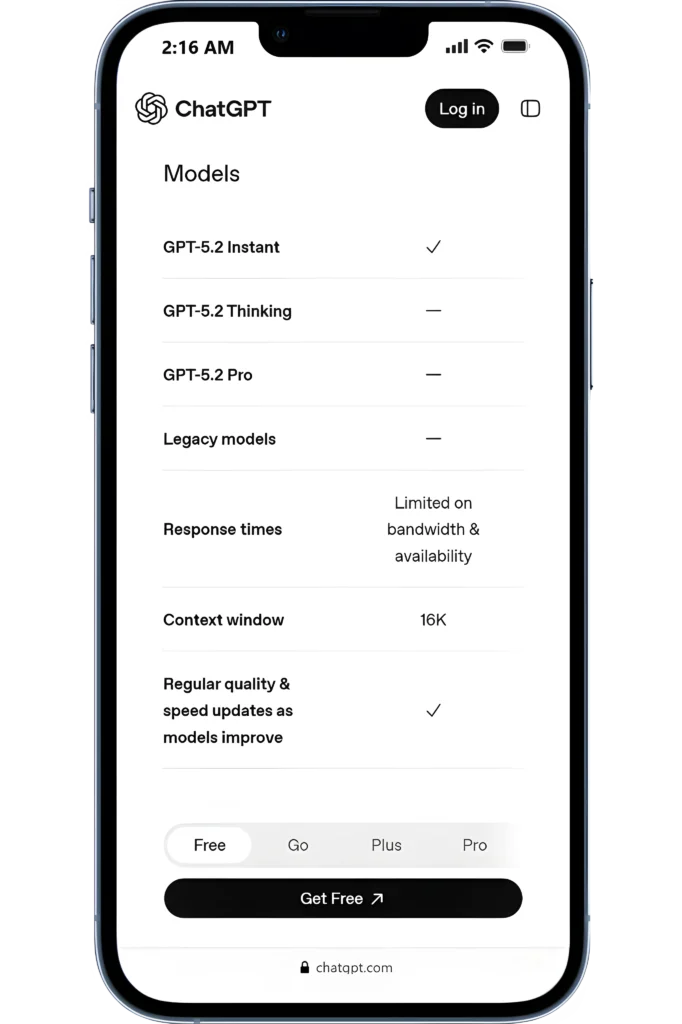
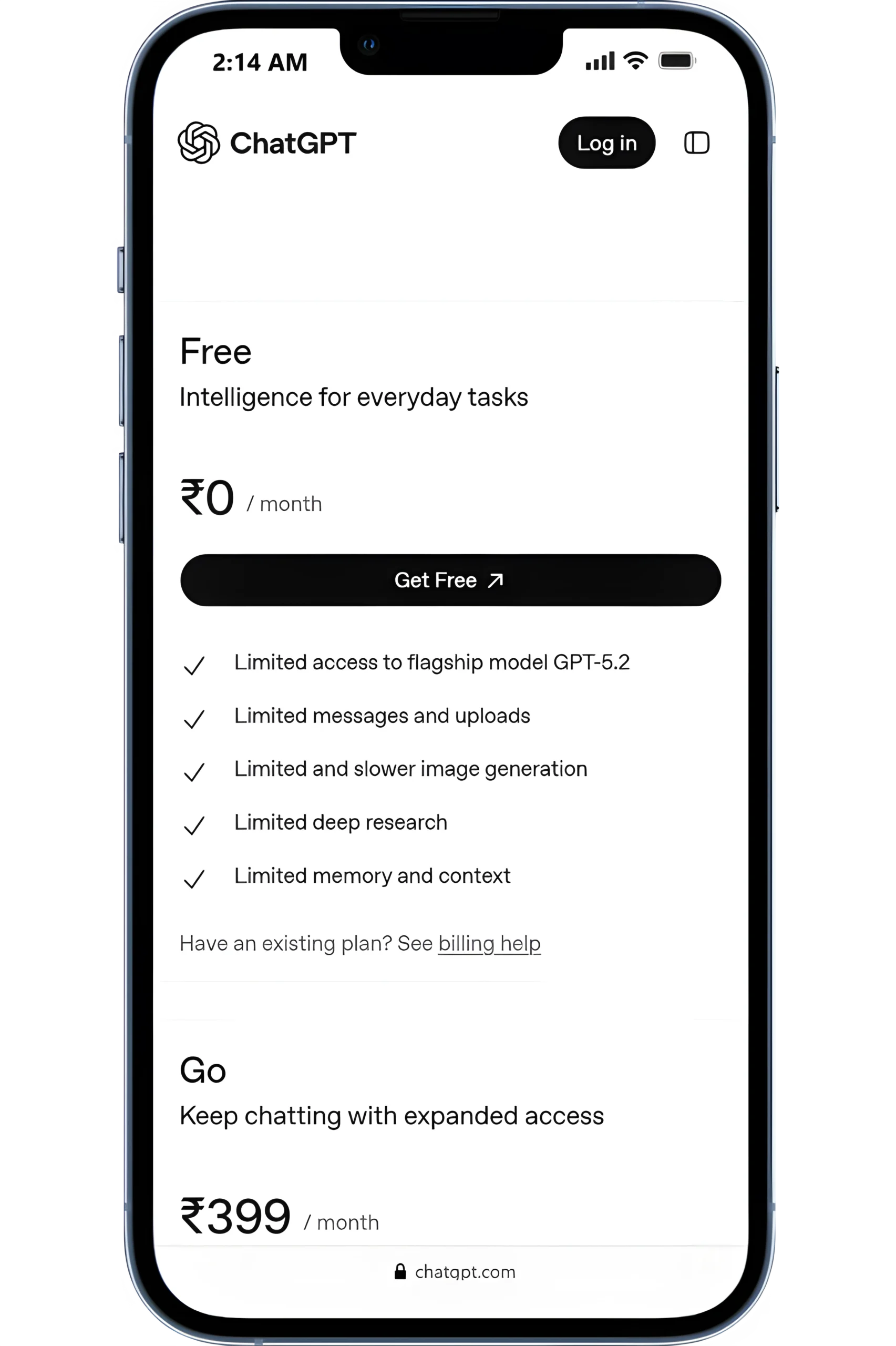
ChatGPT has a Free plan, plus paid tiers like Go ($8/mo), Plus ($20/mo), and Pro ($200/mo).

ChatGPT Plan Limits

Most upgrades are about 2 things:
(1) higher limits, and
(2) access to more capable models/tools.

ChatGPT pros and cons (quick fit check)

The advantages of ChatGPT: faster drafts, quick explanations, and fewer “blank page” moments.

“Worth it” Test

If you’ll use 2–3 workflows weekly (write, summarize, plan), Plus is the sweet spot. If you only use it occasionally, Free is enough.

ChatGPT Plus (Recommended Start)

Best starting point if you’re learning SEO and working on one site (or a few).

The price mentioned is billed monthly.

$20/month

Priority access + faster responses
Higher model limits
Deep research for multi-step web research with sources
Custom GPTs + Projects to save repeatable workflows (like templates/tools)
File uploads + data analysis
Image tools + generation
Agent mode for handling multi-step tasks (research + action flow)
Voice conversations for hands-free, faster back-and-forth work

Important: ChatGPT offers multiple plans and feature tiers. The capabilities and limits you see depend on the plan you’re on (Free, Plus, or Team), and availability or pricing may vary by region..

ChatGPT pros and cons (hands-on fit check)

If you’re asking whether ChatGPT is worth using, here’s what stood out in real workflows.

Pros

The advantages of ChatGPT show up when you use it weekly, not once.

Drafts faster: outlines, rewrites, and first versions in minutes.
File uploads + analysis help you summarize docs and pull action items
Image support makes “explain this screenshot” workflows practical
Tasks helps automate recurring work like weekly recaps

Cons

Biggest ChatGPT con: it can sound certain even when it’s wrong.

Hallucinations happen, so you still need a fact-check step
Output is only as good as your prompt (vague in → vague out)
Some advanced features sit behind higher plans (Pro is the “power user” tier)
Not a replacement for real analytics tools or primary sources

Quick summary: The benefits and drawbacks of ChatGPT are simple, huge speed boost for drafting and planning, but accuracy still needs human judgment. It comes down to trust, it can sound confident and still be wrong, so you need a fact-check step.

Fit check: integrations, reporting, team access, and support

If you’re paying for ChatGPT, these are the “make-or-break” checks we recommend before committing.

Note: Free is enough to try the core experience, but you’ll hit limits faster (messages, uploads, and deep research). Go expands access and may include ads.

NEXT STEP (HOW We TESTED IT)

Try ChatGPT for your own workflow

Ask real questions, test prompts for a week, and use it for research, writing, or problem-solving, then decide if it fits your daily work.

USER FEEDBACK

What ChatGPT users say (and what matched our testing)

We used ChatGPT across real tasks, research, writing, troubleshooting, and ideation. Below are recurring themes from public feedback, plus what held up in hands-on use.

ChatGPT Alternatives

3 tools I’d pick depending on your goal. I used the same everyday workflow (ask → refine → apply). These are the simplest swaps depending on what you need more of.

ALTERNATIVE 1

Yet to inspect!

ALTERNATIVE 2

Yet to inspect!

ALTERNATIVE 3

Yet to inspect!

Digital Marketing Tool Comparisons

Pick the Right Platform Fast!

Frequently Asked Questions

FINAL CHECK

Final verdict: should you use ChatGPT?

We tested ChatGPT on real work using one simple loop: Draft → Refine → Verify.

If you’ll use it weekly for writing, summarizing, or planning, it’s a strong “yes.” If you only need occasional answers, Free is enough.

Use it if you want faster drafts and clearer thinking.
Skip it if you need guaranteed accuracy without fact-checking.
Start with ChatGPT Plus ($20/mo); Pro ($200/mo) is for heavy daily use.