Disclaimer: The reviews and comparisons on this page reflect our independent professional opinions and are provided for informational purposes only. We have aimed to remain objective and unbiased. Nothing here is intended to disparage or defame any company or product. Readers should conduct their own due diligence and verify details via official sources.
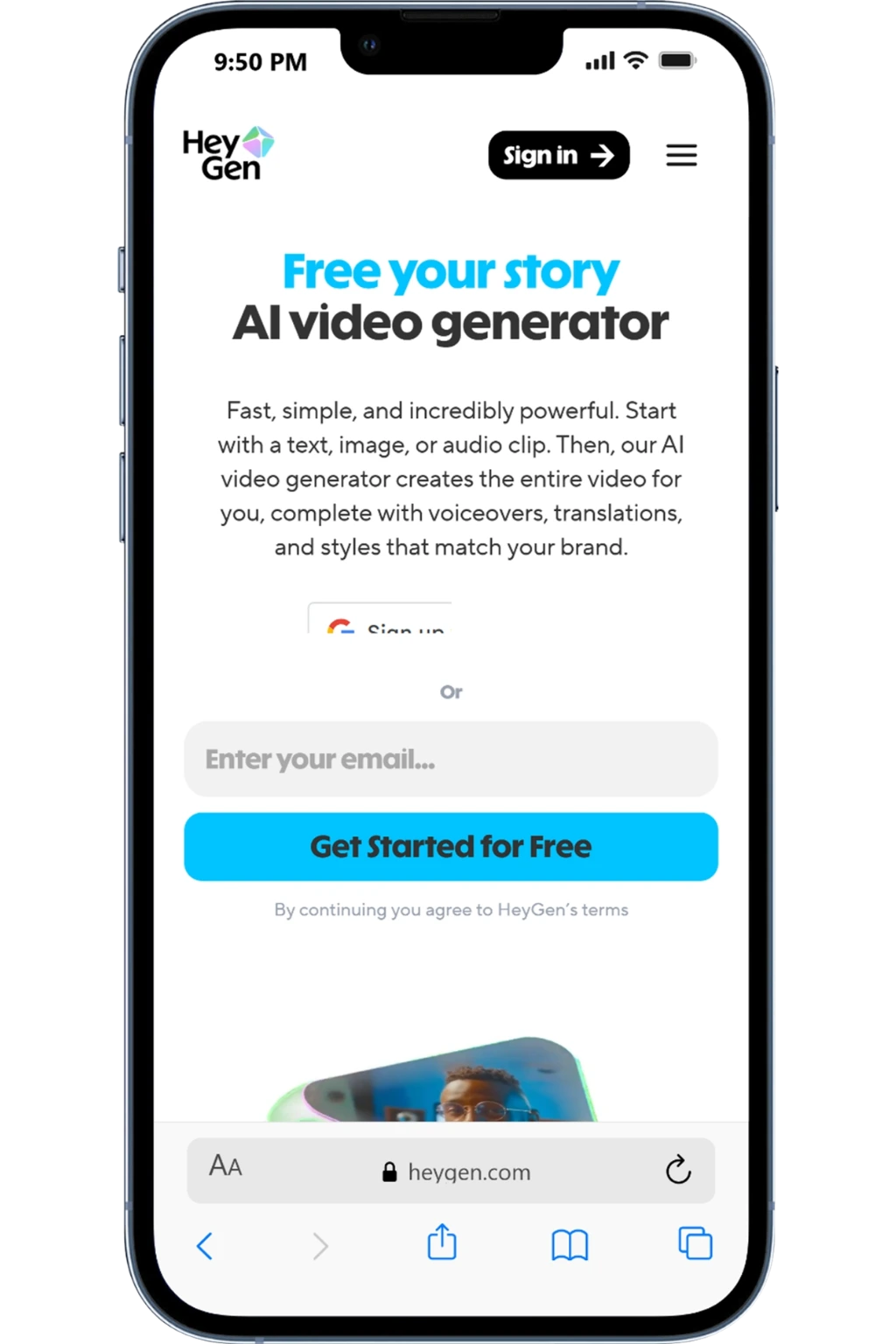

POWERFUL ALL-IN-ONE AI VIDEO PLATFORM

HeyGen Reviews (2026): Is HeyGen worth it for beginners?

In short, HeyGen turns text into AI avatar videos. We tested it the same way we test any video AI: one script, one avatar, then a quick “translate + export” run to see what breaks.

If you need clean talking-head videos for product updates, trainings, or localized ads, HeyGen gets you there fast.
To judge value, we tracked render speed, avatar realism, and how often we had to re-record or re-render.

Best for: quick AI avatar videos + multilingual versions
Watch-outs: lip-sync is good, not perfect, review before publishing
Last updated: We tested it on February 26, 2026. Recheck SEMRush pricing before buying.

Who HeyGen is for? (And what you’ll actually use first)

What we used first?

We started with Avatar Creation, Text-to-Video, and Script Upload to quickly turn existing content (blogs, product explainers, and onboarding docs) into short videos. Once the flow worked, we reused templates and swapped scripts to scale output without re-recording anything.

Who it fits best?

HeyGen works best for marketing teams, founders, educators, and content-led businesses that need video regularly, but don’t want the overhead of cameras, studios, or on-camera talent.

If your bottleneck is video production speed, not ideas, this tool fits.

What you’ll notice?

The biggest wins are time saved, consistent video quality, and far fewer “we’ll record this later” delays. You move faster from script → publish, test more video formats, and actually keep up with content demands instead of avoiding video altogether.

How did we actually use HeyGen?
(3 Real Use Cases)

These are real use cases from live campaigns—simple, repeatable, and beginner-friendly.

Create a HeyGen avatar video fast

Pick an AI avatar, paste your script, choose a voice, and export a clean MP4 for intros, product demos, or ads.

Localize one video into many

Upload a finished clip and use HeyGen Video Translate to swap languages while keeping voice + lip sync for global versions.

Batch content with workflows

Connect HeyGen to Zapier or n8n, trigger templated videos from a sheet/CRM, and ship weekly updates without manual edits.

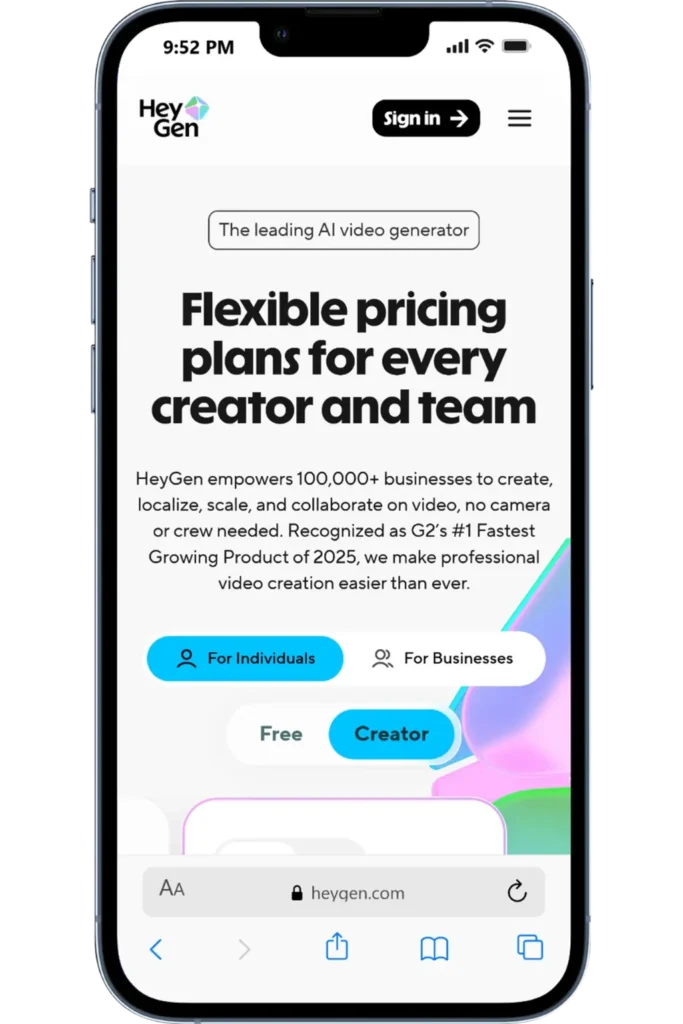
HeyGen pricing: plans, monthly cost, and the one we’d start with

If you’re comparing HeyGen pricing plans, focus on what actually changes as you upgrade: video length, export quality, and how quickly you can generate at scale.

HeyGen Monthly Pricing

HeyGen has a Free plan for quick tests, but Creator is the practical starting point if you’re publishing weekly.

HeyGen Plan Limits

Most “is HeyGen worth it?” decisions come down to two things: how long your videos are, and whether you need 1080p/4K exports.

HeyGen Isn’t Cheap!

HeyGen cost per month is fair only if you ship video consistently. If you create one-off explainers, Free (or a cheaper alternative) is usually enough.

“Worth it” Test

Use one workflow: Script → Avatar → Edit → Translate. If you’ll run that 2–3 times a week, Creator is a strong yes.

HeyGen Creator Plan (Recommended Start)

Best starting point if you’re learning SEO and working on one site (or a few).

The price mentioned is billed monthly.

$29/month

Unlimited videos (up to 30 minutes)
Voice cloning + 175+ languages
700+ stock avatars + Avatar IV
Generate Looks + Look Packs (consistent avatar styling)
1080p exports + fast processing
Watermark removal + Brand Kit
1 Custom Video Avatar included
75+ video templates + full AI studio editor access

Important: HeyGen offers multiple plans and feature tiers (such as Creator, Team, and Enterprise). Pricing and available features may vary based on usage limits, add-ons, and region.

HeyGen pros and cons (hands-on fit check)

If you’re scanning HeyGen reviews, these are the HeyGen pros and cons that matter after you’ve shipped a few videos.

Pros

HeyGen’s value shows up when you use it repeatedly for real workflows, not just a one-off video.

Turn a script into a presenter-style video fast (great for weekly social + product updates).
Strong avatar library + improved motion/lip-sync options for “talking head” content.
Easy localization: dubbing, captions, and voice options for global audiences.
Brand-ready outputs: 1080p exports, watermark removal, and simple Brand Kit controls.
Workflow-friendly: reuse templates and export videos for repurposing across channels.List item

Cons

Biggest HeyGen con: output quality depends heavily on your script, so beginners may need a few iterations to get it right.

Output quality isn’t “set-and-forget”, you still need a human QA pass for names, pacing, and tone.
Usage limits/credits vary by plan, so scaling volume can push you toward upgrades.
Avatars can still feel slightly synthetic in emotional or high-stakes messaging.
If you only need occasional edits, the monthly cost can feel like overkill.

Quick Summary: HeyGen integrations and workflow support are robust, especially if you plan to automate AI video creation or connect HeyGen to your stack; support and team features improve noticeably on paid and enterprise plans.

Fit check: integrations, reporting, team access, and support

If you’re paying for HeyGen, these are the “make-or-break” checks we recommend before committing.

NEXT STEP (HOW We TESTED IT)

Try HeyGen on your own use case

Create one short video, test 2–3 scripts, export in different formats, and see how it performs across your channels before deciding.

USER FEEDBACK

What HeyGen users say (and what matched our test)

We tested HeyGen on real projects. Below are recurring themes from public reviews, plus what we observed firsthand.

HeyGen Alternatives

3 tools I’d pick depending on your goal. I tested them using the same beginner workflow (script → avatar → export). Here are the simplest swaps.

ALTERNATIVE 1

Yet to inspect!

ALTERNATIVE 2

Yet to inspect!

ALTERNATIVE 3

Yet to inspect!

Digital Marketing Tool Comparisons

Pick the Right Platform Fast!

Frequently Asked Questions

FINAL CHECK

Final verdict: should you use HeyGen?

If you want, I can rewrite this in the shorter “slide card” format used elsewhere in your content.

We tested HeyGen using one simple flow: Script → Avatar → Export. If you’ll ship AI videos weekly, this HeyGen review lands on a “yes.

Use it if you need fast avatar videos, 1080p exports, voice cloning, and 175+ languages for marketing, sales, or training.
Skip it if you need heavy timeline editing, only make videos occasionally, or want the lowest-cost tool.
Start with the Creator plan (~$29/mo) for watermark-free exports and 30-minute videos, then upgrade only when you hit limits or need API/teams features.