Disclaimer: The reviews and comparisons on this page reflect our independent professional opinions and are provided for informational purposes only. We have aimed to remain objective and unbiased. Nothing here is intended to disparage or defame any company or product. Readers should conduct their own due diligence and verify details via official sources.
Powerful all-in-one SEO toolkit

SEMRush Review (2026): Worth it for beginners?

We set up SEMRush like I test any new tool: We added one real site, connected what we could, and ran the basics end-to-end. We did keyword research, saved a short target list, ran Site Audit for quick fixes, then switched on Position Tracking for a handful of keywords. The biggest “aha” is how much is available right away, but the dashboard can feel busy on day one.

To judge value, we checked how fast we found reports, whether exports looked shareable, and when we had to Google. In this review, we’ll show what to focus on first and what to ignore.

Best for: SEO + competitor research in one place; not great for simple tracking.
Transparency: No paid placement here, this page is written from hands-on testing.
Last updated: We tested it on January 10, 2026. Recheck SEMRush pricing before buying.

Who SEMRush is for? (And, what you’ll actually use first?)

What we used first?

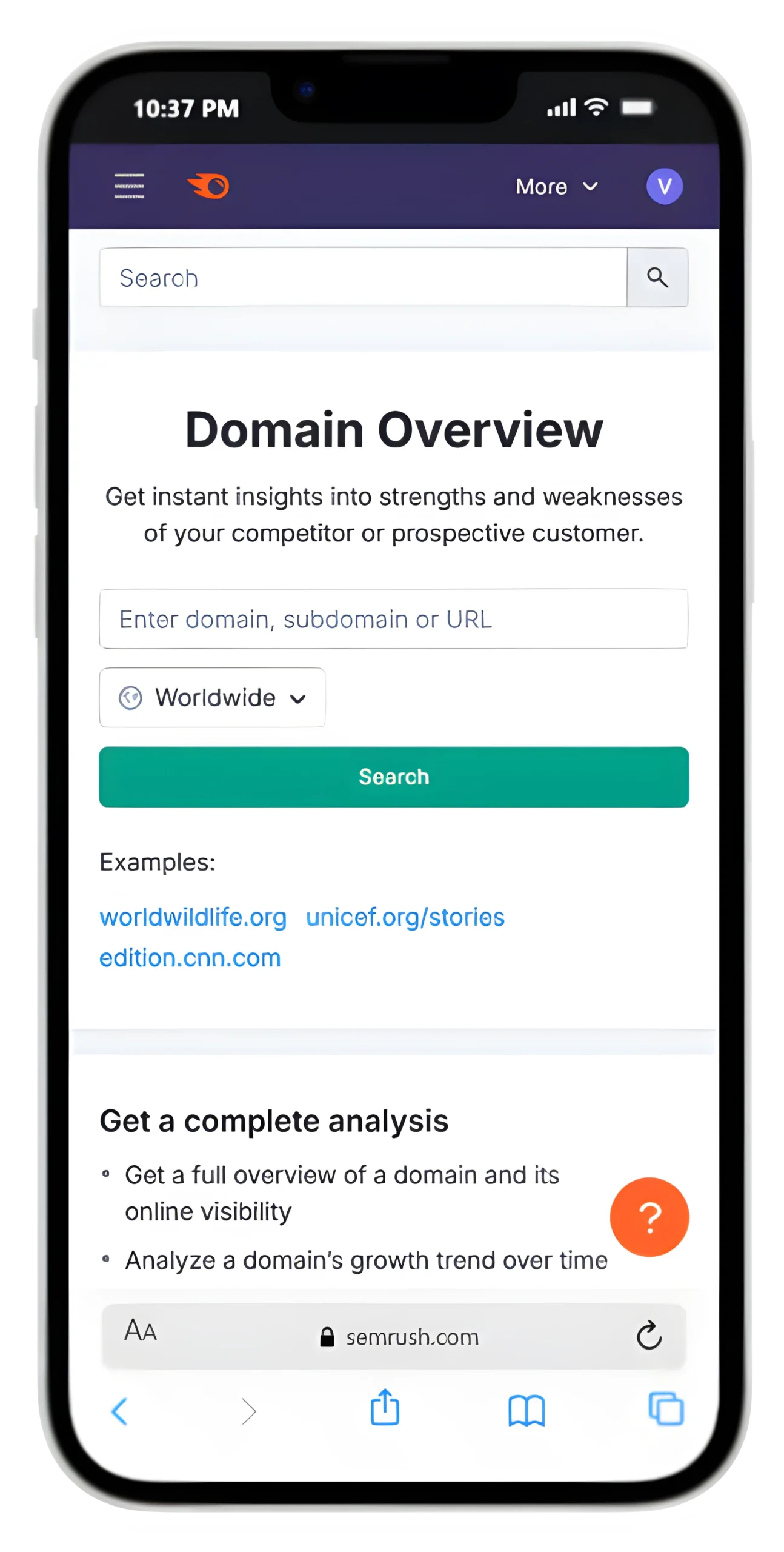
We ran Site Audit, Keyword Overview, and Position Tracking to find quick issues and weekly progress checks, then saved a task list and re-ran audits after fixes.

Who it fits best?

For our test site, SEMRush worked best when we needed SEO research, competitor data, and reports together, without switching tools or juggling messy spreadsheets.

What you’ll notice?

The biggest benefits of SEMRush were clearer priorities, fewer “what next?” moments, and faster fixes we could verify.

SEMRush Keyword Research

How did we actually use SEMRush?
(3 Real Use Cases)

These are the workflows we ran on a real site, simple, repeatable, and beginner-friendly.

Keyword plan in one sitting

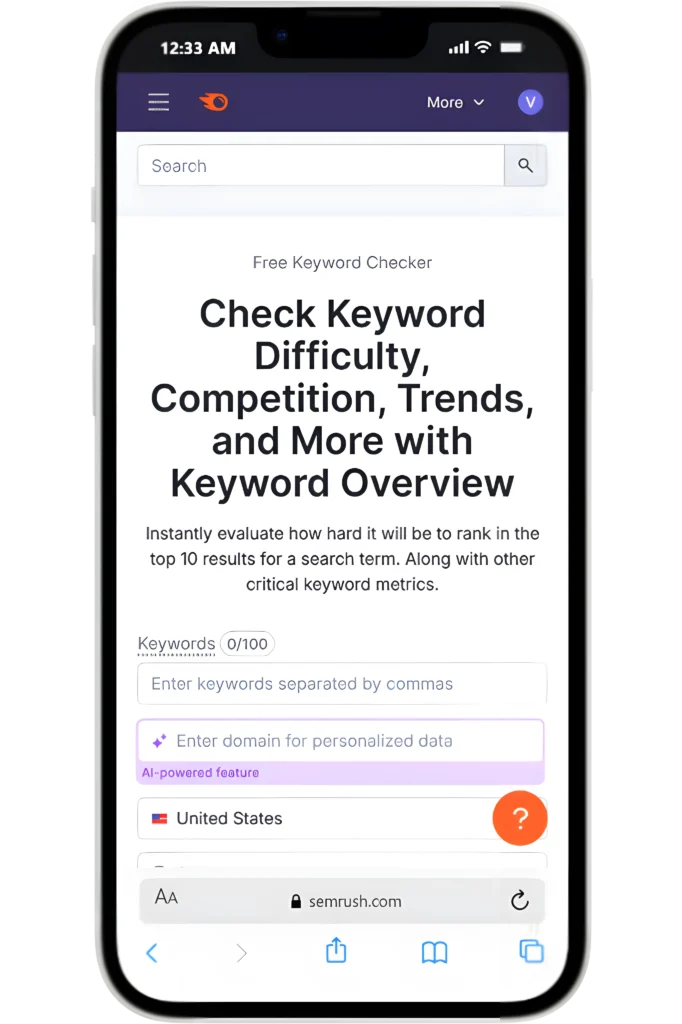
We used Keyword Overview to pick realistic targets, then built a short list I could publish against this month.

Fix the biggest SEO issues first

We ran Site Audit, sorted issues by priority, fixed the quick wins, then re-crawled to confirm improvements stuck.

Track progress without guessing

We set up Position Tracking for our main keywords and checked weekly trends to see what moved, and what didn’t.

SEMRush pricing: plans, monthly cost, and the one we’d start with

We tested Pro first, then mapped what you actually gain when moving up to Guru or Business.

SEMRush Monthly Pricing (SEO Toolkit)

In our testing, Pro covered the “daily basics” without paying for advanced extras too early.

SEMRush Plan Limits

Biggest SEMrush plan differences are higher limits and advanced content plus historical data. If you publish weekly or manage clients, Guru becomes worth it for deeper insights and smoother workflows.

SEMRush Isn’t Cheap!

SEMrush is pricey; it’s worth it only if you use 2–3 features weekly. If you just need rank tracking, a simpler, cheaper tool is likely a better fit.

“Worth it” Test

My “worth it” test is a single workflow: research, fix issues, then track rankings. That all-in-one flow is what makes SEMrush Pro feel worth the spend for beginners.

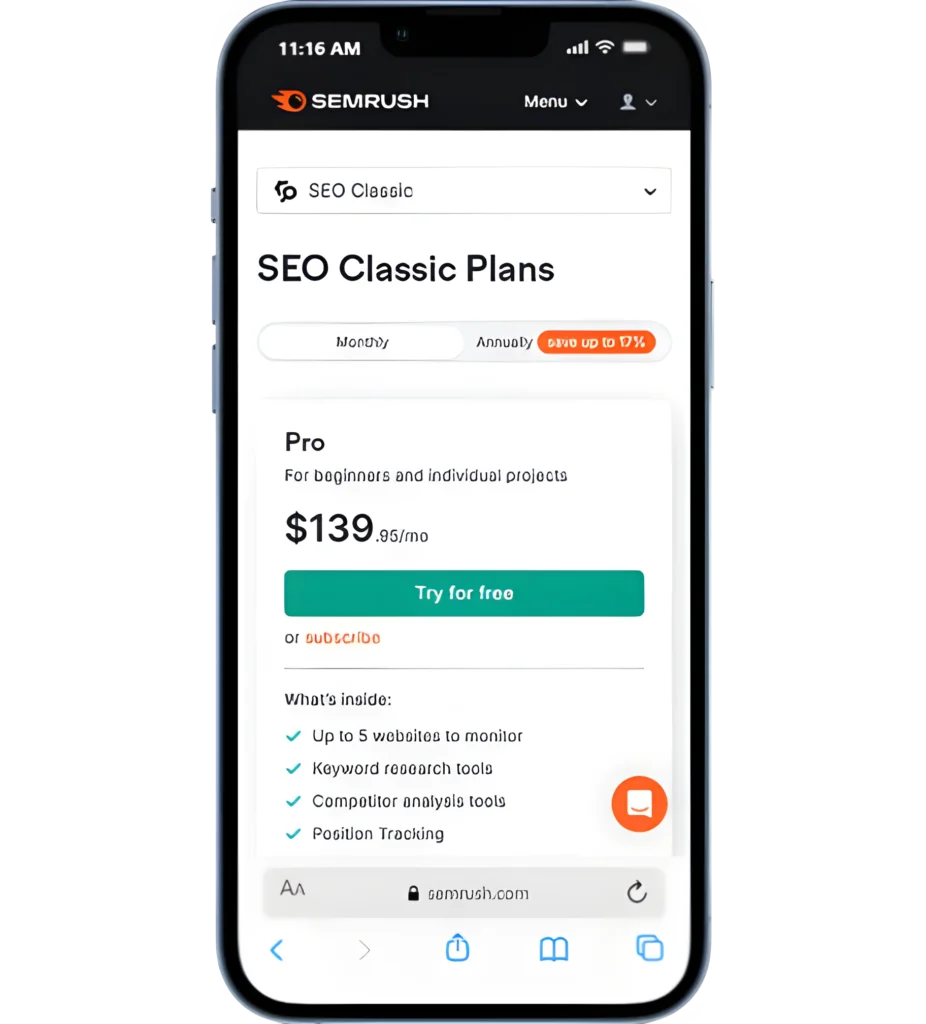
SEMRush Pro Plan (Recommended Start)

Best starting point if you’re learning SEO and working on one site (or a few).

The price mentioned is billed monthly.

~$139/month

5 projects/websites to monitor
Track up to 500 keywords (Position Tracking)
Includes keyword research, site audits, and competitor research (core SEO workflow).
10,000 results per report (enough for beginner research)
Crawl up to 100,000 pages/month (Site Audit)
Upgrade when you need historical data and fuller content tools (Guru).
Most toolkits offer a 7-day free trial (credit card required to start).
SEMRush free plan: yes, there’s a free account with limited access.

Important: SEMRush has “toolkits” and bundles (like SEMRush One). The prices above match the SEO Toolkit plans, but they may vary depending on your region.

SEMRush pros and cons (hands-on fit check)

If you’re asking if SEMRush is good for SEO, here are the pros and cons of SEMRush we saw when testing it.

Pros

The SEMRush benefits show up when you use it weekly, not just once.

Site Audit gave us a clear to-do list, sorted by priority.
Keyword tools helped us pick realistic targets and plan content faster.
Competitor reports saved time when we needed quick benchmarks.
Exports were shareable and reduced back-and-forth when reporting progress.

Cons

Biggest SEMRush con: it feels crowded at first, so beginners need a simple workflow.

The dashboard can feel busy until you hide tools you don’t use.
Limits and add-ons matter—some features push you toward upgrades.
Data is directional; you still need judgment before acting.
If you only need one feature, it can feel expensive.

Quick summary: The benefits of SEMRush are real, but only if you use multiple tools weekly.

Fit check: integrations, reporting, team access, and support

If you’re paying for SEMRush, these are the “make-or-break” checks we recommend before committing.

NEXT STEP (HOW We TESTED IT)

Try SEMRush on your own site!

Add one site, run Site Audit, save five keywords, track rankings for a week, then decide confidently.

USER FEEDBACK

What SEMRush users say (and what matched my test)

We tested SEMRush on a real site. Below are recurring themes from public reviews, plus what we saw firsthand.

SEMRush Alternatives

3 tools I’d pick depending on your goal. I used the same beginner workflow (research → audit → track). Here are the simplest swaps.

ALTERNATIVE 1

Ahrefs Review

ALTERNATIVE 2

Moz Pro Review

ALTERNATIVE 3

SE Ranking Review

SEO Tool Comparisons

Pick the Right Platform Fast!

Frequently Asked Questions

SEMrush Pricing Page

FINAL CHECK

Final verdict: should you use SEMRush?

We tested SEMRush on a real site using one simple flow:
Research → Audit → Track.

If you’ll use those three workflows weekly, it’s a strong “yes.” If you only need one feature, it can feel like overkill.

Use it if you’re doing SEO weekly and want keywords, audits, and rank tracking in one place.
Skip it if you only need a basic rank tracker or occasional keyword checks on a tight budget.
Start with SEMRush Pro. Upgrade later only when you hit limits or need advanced tools.